Eave
Notes and checklists pinned to your iPhone Lock Screen. A small place for the thing you need to remember today.
LiveiPhone / Notes / Widgets
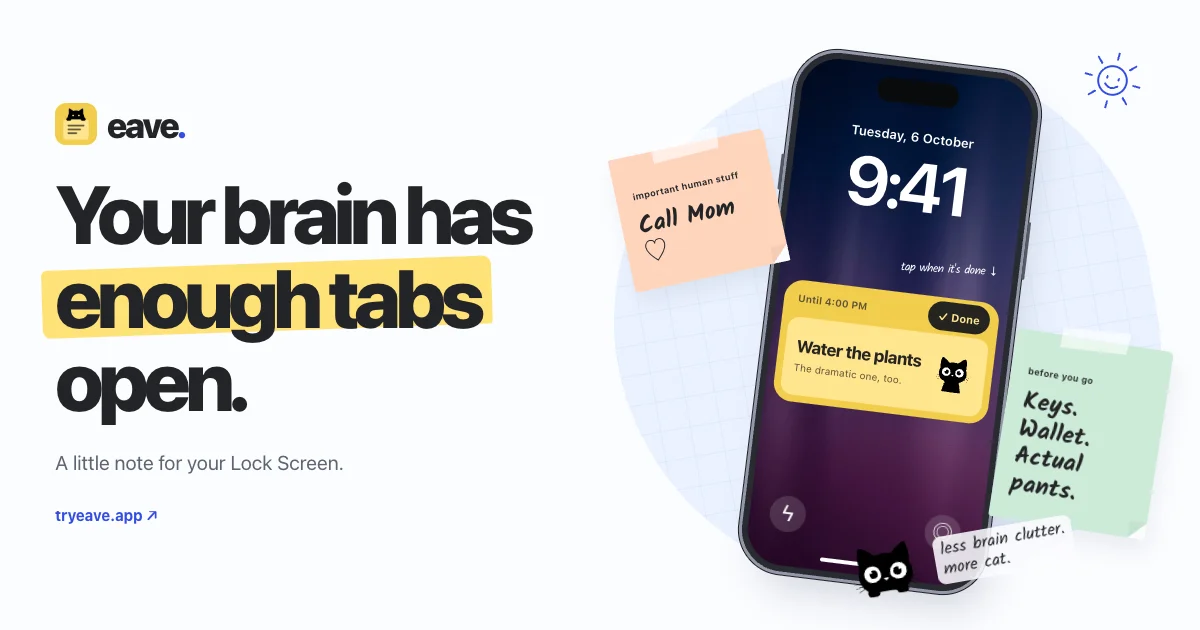
Eave puts a note or checklist where you’ll see it: your iPhone Lock Screen. Tick off a checklist item or clear a pin when you’re done. The note stays saved so you can use it again.
Fit a note into your day
Schedule a pin for later, keep notes visible with Home Screen widgets, or pin a note through Siri and Control Center. Papers, fonts, and cats let you make the note your own.
A personal place for reminders
Your notes stay on your phone, with no account required. Eave is available on the App Store. Its website includes an interactive preview you can try.